What do we actually run, and how is it wired together?
Onam Estate discovers every resource across your cloud accounts, records how they connect, and keeps the picture current run after run — one estate of record for every other product.
Stand-alone, granted per organisation · same console and login as the rest of Onam · read-only access to your cloud
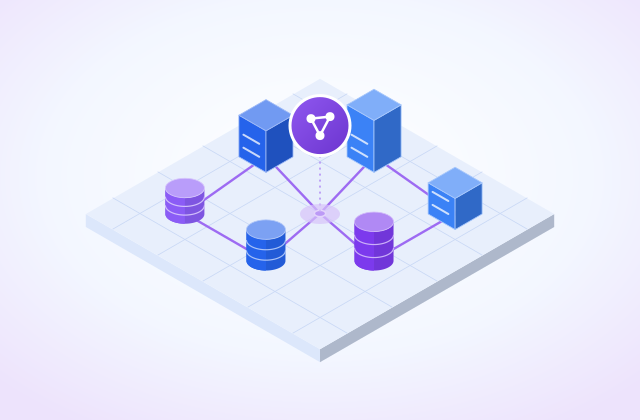
- in the shared inventory
- 7 cloudsin the shared inventory
- recorded with its status
- Every runrecorded with its status
- no agents, nothing installed
- Read-onlyno agents, nothing installed
- inventory for every product
- Oneinventory for every product
You cannot secure, bill, or decommission a resource nobody knows exists.
Someone asks a question that should take a minute: how many production databases do we have, in which accounts, and who pays for them.
Four hours later there are three answers — one from the CMDB, one from a Terraform state file, one from a billing export — and none of them agree. The CMDB was last reconciled by hand, the state file only covers what was provisioned through the pipeline, and the billing export knows cost but not what a resource is connected to. The gap between those three is where forgotten infrastructure lives, and it is where both the security surprise and the cost surprise come from.
The cost of an inventory nobody trusts
Every other answer — what is exposed, what it costs, what has to come back first after an outage — starts from the list of what exists. If that list is wrong, every answer built on it is wrong too.
The first stage of the Onam platform
Onam Estate in two minutes
Voices are AI-generated. More short Q&A videos: Onam Estate
3 modules, one product
The same modules as the Products menu. Each card opens its own page, with the documentation one click further.
What each view of Estate shows
Each view of Onam Estate, described from the product documentation.
Every resource, in one list
Every resource the discovery pipeline has found, across every connected account and region.
- Asset name and type, provider, region and account
- Lifecycle state and the time discovery last confirmed the resource exists
- A last-seen time that ages when a resource stops appearing, so half-decommissioned infrastructure becomes visible
- Keyset paging, so very large estates stay quick to page through
One account's topology
What a single account holds, and how the pieces connect — drawn from a scene the discovery pipeline builds.
- Assets, edges, containment edges and external edges for the account
- External edges first: the account's real connection to everything outside it
- An asset-type breakdown, so sprawl is visible by shape and not only by count
- AWS accounts today; an account with no completed run says so instead of drawing an empty diagram
The provenance behind the list
Every discovery pass over your accounts and regions, with what started it and how it ended.
- Trigger — schedule, onboarding or a manual request
- Status, start and completion for every run
- A failed or partial run shown as one, so a stale picture is visible as stale
- Scan scope that follows entitlement: Estate alone runs discovery on its own
Who in your organisation sees Estate
Estate runs at /estate in the same console as the rest of the platform, behind the same login.
- Switch to Estate from the product switcher — no second login or URL
- Granted per organisation, never bundled into a security plan tier
- Hidden for organisations without the grant, and enforced server-side by the API gateway
- Read-only cloud access: nothing installed on a workload, nothing written to your environment
The mechanism, step by step
What Onam Estate actually does, in the order it does it.
- 1Discover
A discovery pipeline enumerates resources across your connected accounts and regions using read-only credentials, and records what it found as assets with provider, region, account, state and last-seen time.
- 2Relate
Relationships are captured as first-class edges rather than inferred later — containment edges describe what lives inside what, external edges describe what reaches outside the boundary.
- 3Record every run
Every run is recorded with its trigger, status, start and completion, so the inventory carries its own provenance and a stale or partial run is visible instead of silently degrading the picture.
- 4Share one inventory
The same inventory feeds Onam Security's graph and Onam DRM's application map, so an organisation running more than one product gets one inventory rather than several that disagree.
Asset Agent
Onam AIOps agents investigate with evidence on every claim and propose changes a person approves. Nothing changes your cloud without that approval.
Running on the Onam platform and enabled per organisation by invitation. Agents answer and propose; nothing changes your cloud.
Read the Asset Agent docsSpecific outputs, not a dashboard of promises
- Asset inventory
every discovered resource with provider, region, account, state and last-seen time
- Architecture view
per-account topology with assets, edges, containment edges and external edges (AWS accounts today)
- Relationship graph
what contains what, and what reaches outside the account boundary
- Pipeline history
every discovery run with its trigger, status and duration
- Asset type breakdown per account, so sprawl is visible by shape and not just by count
- Read-only discovery
no agents, no write permissions, nothing installed on a workload
- One shared inventory with Onam Security and Onam DRM
What Onam Estate does not do
Knowing where a product stops is part of deciding whether to buy it.
The architecture view draws AWS accounts today
The inventory covers all 7 clouds Onam supports. The per-account topology view is AWS-only for now.
It is as current as the last run, not real-time
Discovery runs on a schedule. Every asset carries a last-seen time and every run its status, so you can see how fresh the picture is.
It does not raise security findings
Estate answers what exists and how it connects. Posture rules, risk scores and findings are Onam Security.
It does not change your cloud
Discovery is read-only. Estate does not tag, fix, stop or remove anything.
Onam Estate on one page
Inputs, how it works, what you get and the limits — the same sheet our team uses in briefings.
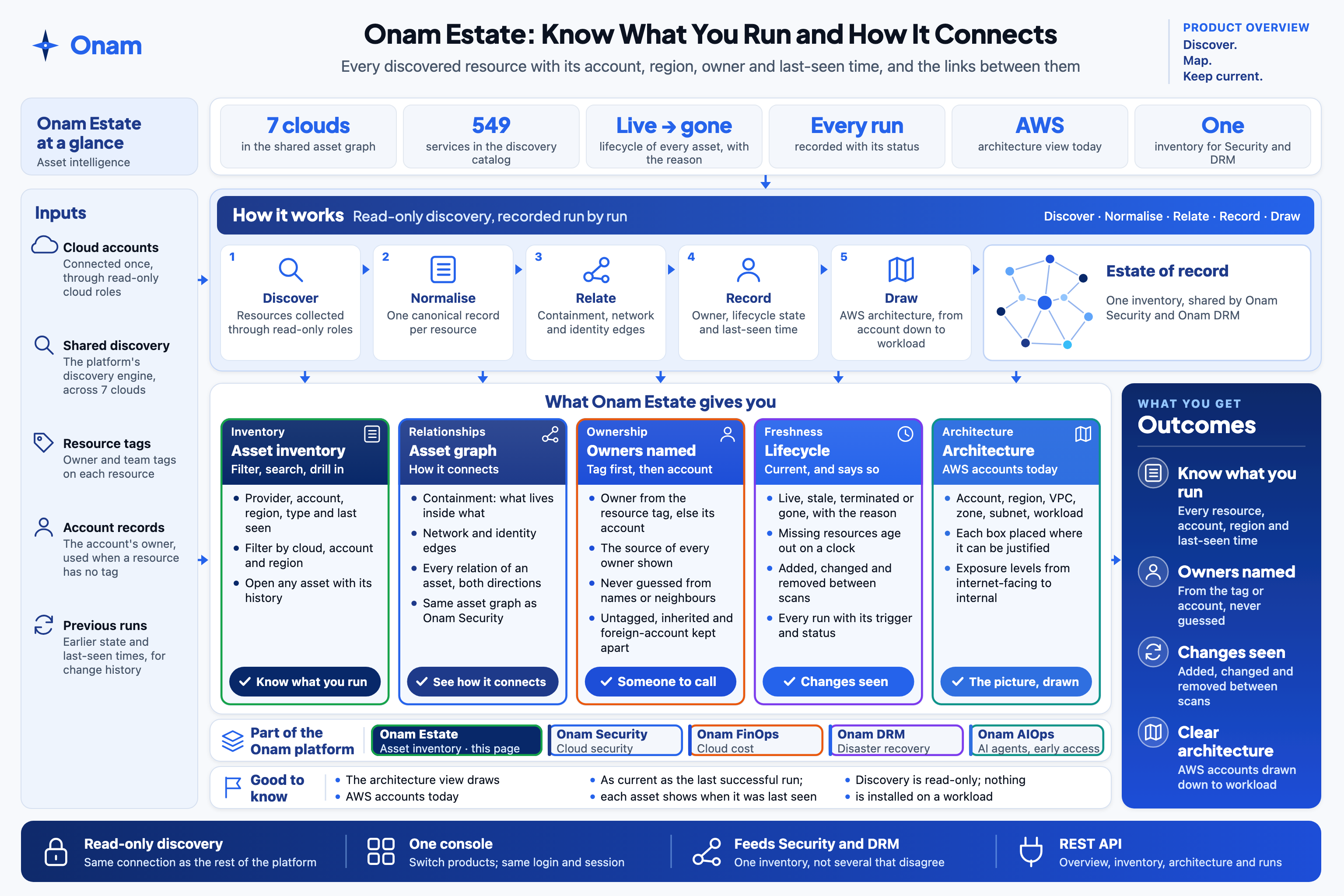 Open full size
Questions about Onam Estate
Onam Estate is one part of one platform.
Estate finds what you run, Security protects it, FinOps explains what it costs and DRM plans how it comes back — with Onam AIOps agents across them, on the same discovery.
What do we actually run, and how is it wired together?
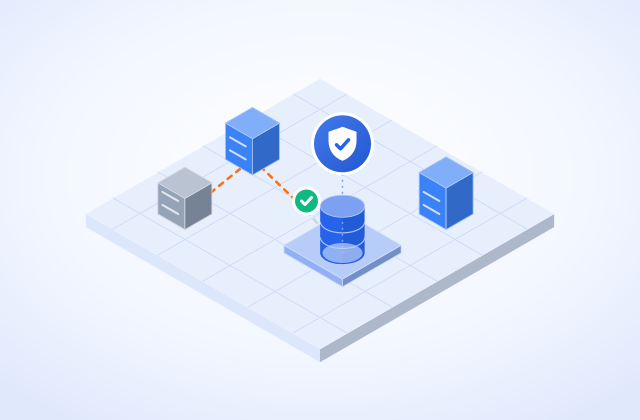
Is my cloud secure, and what do I fix first?
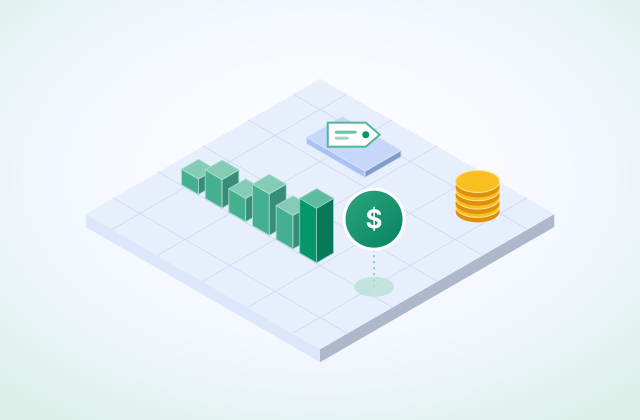
Where is the money going, and who owns it?
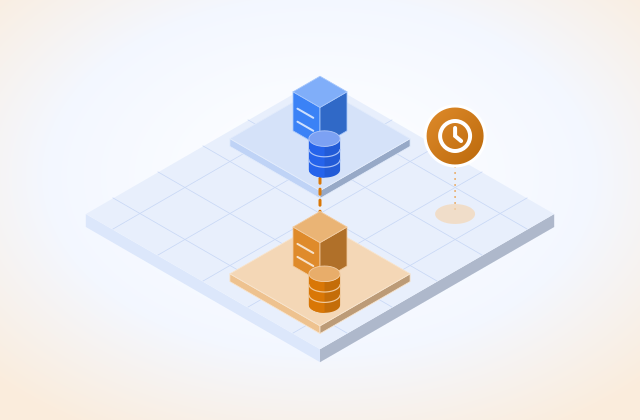
If a region fails tonight, what comes back, in what order, and how fast?
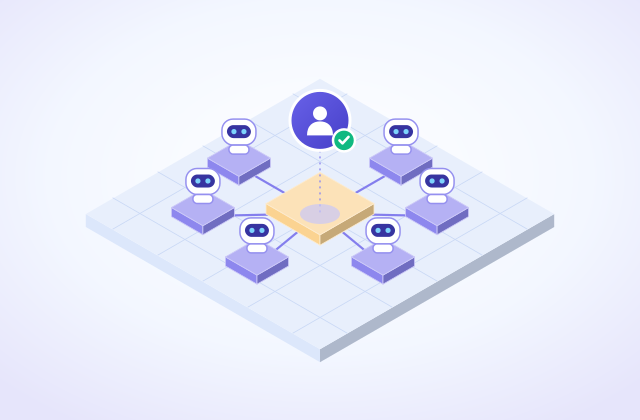
Can AI agents do the investigation — and leave every change to a person?
See Onam Estate in your cloud.
Connect your cloud once. Estate, Security, FinOps and DRM all read the same discovery.